A campaign photograph often begins as a group effort and ends as a design problem. One person blocks a sign, another stands outside the crop, and an empty space makes the layout feel weak. Moving or removing people can solve the composition while changing who appears to have joined, led, or approved the campaign.
An AI Photo Editor can add, remove, or reposition visual elements through a prompt-led edit. The campaign team still needs a consent rule before touching the file. Permission to be photographed is not automatically permission to be relocated, enlarged, erased, or placed beside a message a participant never saw.
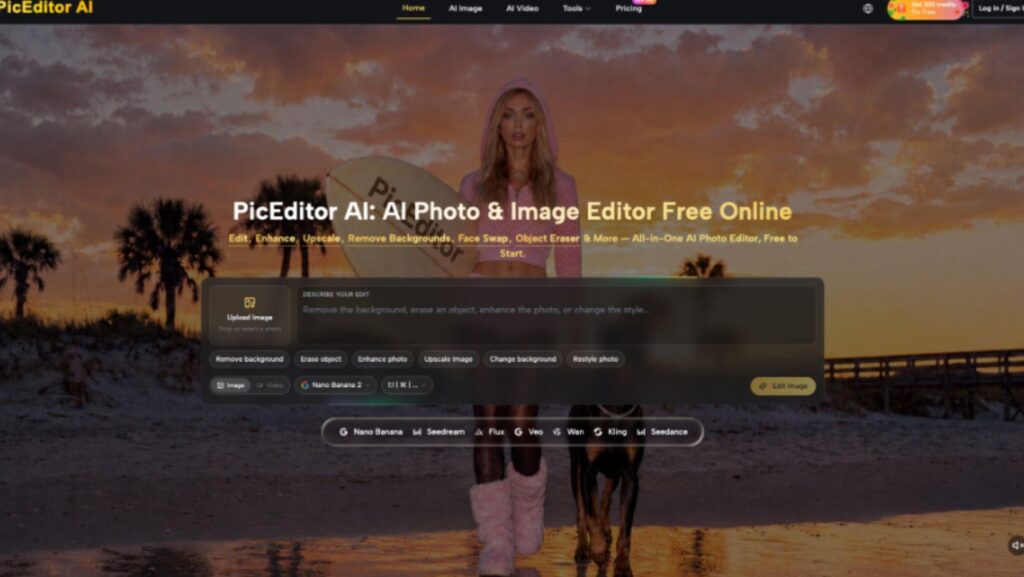
PicEditor.ai supports image-to-image editing, object removal, background changes, and adding elements through several model routes. Those capabilities can improve a layout, but consent belongs to the people and publishing context, not to the tool.
The Composition Fix Can Rewrite Participation
Campaign images carry relational claims. A person close to a podium can appear to be a speaker. Someone placed in the front row can look like an organizer. Removing a volunteer may hide their contribution, while duplicating a crowd can overstate turnout. The edit changes more than spacing.
Start by naming the intended claim: attendance, leadership, community support, service delivery, or a general mood. Then identify every person whose position helps readers infer that claim. Those are consent-bearing regions, even if no face is prominent.
Do not treat a person as ordinary clutter. A bin, cable, or empty chair may be removable after a context check. A participant carries identity, agency, and a relationship to the message. That difference should appear in the brief before anyone opens an editor.
Separate Capture Consent From Transformation Consent
Capture consent covers being photographed under stated conditions. Publication consent covers where and how the photograph may appear. Transformation consent covers material changes to the person’s presence, pose, clothing, proximity, or apparent role. A release may cover some of these uses, but the team must read the actual terms rather than assume a generic form answers every edit.
When no written release exists, ask the participant about the specific proposed change in plain language. “May we move you closer to the sign in the campaign header?” is more informative than “May we edit the photo?” Show a preview when the change affects apparent affiliation or prominence.
Record the answer with the source asset, intended channel, approving editor, and expiry or withdrawal terms. Do not put sensitive notes inside the public image file. The purpose of the record is to let a future publisher know which transformation was agreed, not to expose personal data.
Use A Three-Branch Edit Decision
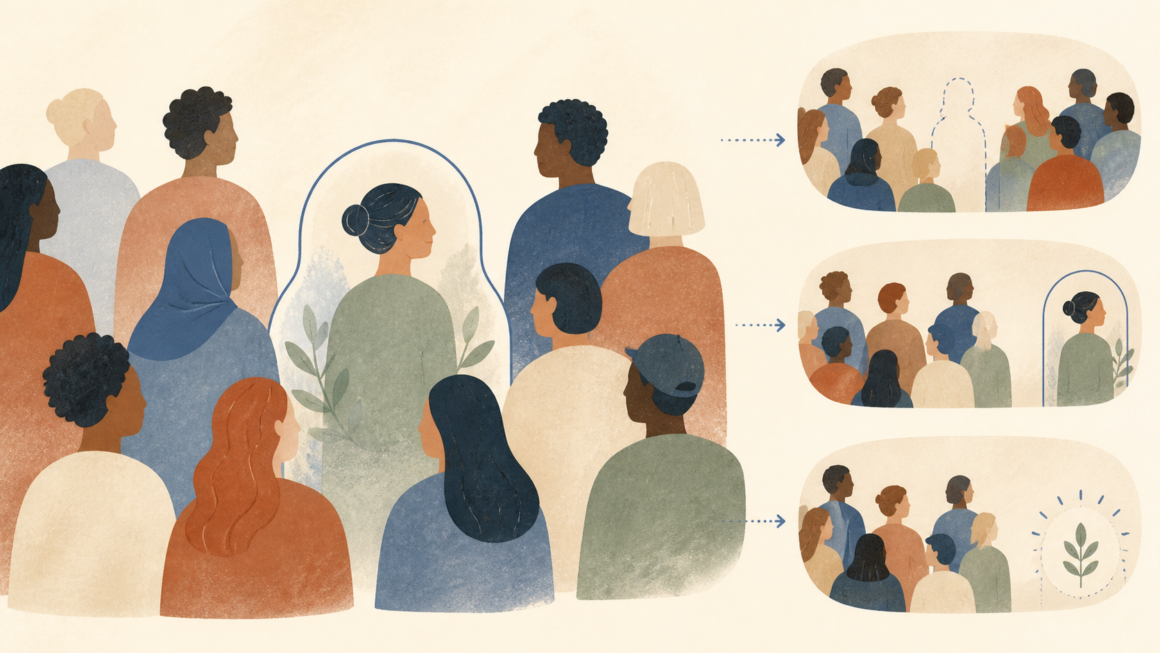
Remove. Remove a person only when the campaign has a valid reason, the change does not erase a meaningful contribution, and the resulting image does not exaggerate the remaining group’s role. Rebuild any background carefully and inspect neighboring bodies, shadows, and signs for spill.
Relocate. Move a person only with specific transformation consent and when the new position does not suggest a different role or relationship. Preserve scale, lighting, direction of attention, and personal appearance. A technically clean relocation can still be editorially false.
Add. Do not add a real participant who was absent from the captured moment merely to imply attendance. A clearly illustrative composite may be suitable for a designed campaign concept if every person agreed to that use and the presentation cannot be mistaken for event documentation.
If none of the branches clears the claim test, change the crop, move typography, choose another source, or design a non-photographic graphic. Composition pressure is not a reason to manufacture participation.
|
Proposed Change |
Consent Check |
Claim Check |
|
Remove a person |
Does permission cover exclusion or withdrawal? |
Will their contribution disappear? |
|
Relocate a person |
Did they approve the shown position? |
Does proximity imply a new role? |
|
Add a person |
Did everyone approve the composite? |
Could viewers mistake it for attendance? |
Make One Bounded Candidate And Review Its Impact
Upload the preserved source to PicEditor.ai and describe one requested change plus the people and regions that must remain fixed. Avoid broad prompts such as “make the crowd stronger.” A bounded prompt names the target, protected participants, background, signs, and the final crop.
An AI photo editing workflow can make a relocation look seamless, but seamlessness is not the approval standard. The job record should identify AI photo editing as the method, then preserve the exact consent basis, model route, prompt, and source ID.
Record AI Photo Editor as the broader retrieval category. Related transformations stay searchable, while the attached decision record explains which people could be changed and why.
Compare source and candidate at the publishing size. Ask who appears more central, who appears absent, whether any gesture or line of sight changes meaning, and whether a sign now looks endorsed by someone who was previously farther away. Reject the candidate when the relational claim shifts without matching consent.
Return The Candidate To The People It Repositions
Participant review should happen before a polished layout hardens into the preferred choice. Show the source and candidate together, state where the image will run, and ask whether the change alters the person’s perceived role. Silence in a group chat is not affirmative approval.
Write down who asked the review question and when the participant answered.
Give participants a practical alternative: keep the original position, use another photograph, blur or crop them out where lawful and appropriate, or withdraw the image. A consent process with no viable “no” is a production instruction, not a choice.
For a large event, do not pretend that individual review is possible when it was never planned. Use the notice, releases, designated photo areas, and applicable public-event rules that the campaign established before capture. Materially repositioning an identifiable individual still deserves separate scrutiny because the transformation creates a new context.
Archive the approved candidate and the version shown during review. PicEditor.ai can retain generated assets, but the consent record should live in the campaign’s controlled file system with access limited to the people who need it.
Limits Of A Consent-Aware Edit
Consent does not make a misleading composite accurate, and an accurate caption does not repair coerced permission. Local privacy, publicity, employment, safeguarding, and election rules may add requirements beyond this workflow. Escalate uncertain cases to the campaign’s responsible legal or safeguarding contact.
Publish the relationship the camera actually held. PicEditor.ai fits a narrow, documented composition change after the team has separated capture, publication, and transformation consent. It does not decide whether a participant agreed, whether a relocation implies endorsement, or whether an edited crowd remains fair evidence.
Release the image only when the source, transformation permission, participant review, and final relational claim agree. If the layout still needs a person to look more supportive, more central, or more present than the captured moment shows, redesign the campaign around honest space instead.
About The Author